
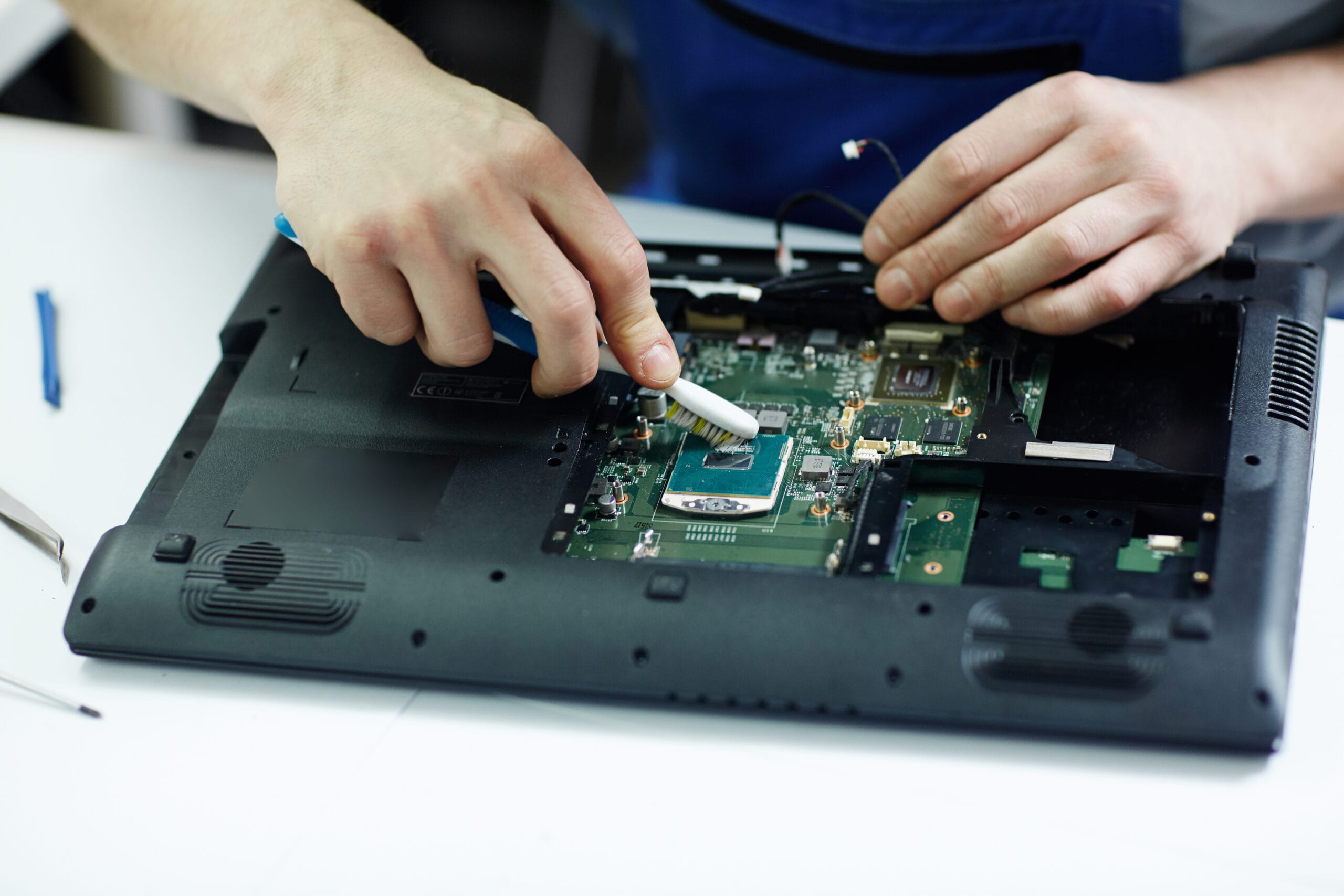
A slow laptop can ruin your day. You sit down to work. Your device takes forever to start up. Programs freeze, web pages do not. The cooling fan makes a loud noise. Many people think a slow computer means they need to buy a brand- machine. However buying a computer can cost a lot of money. The team at Dr IT Fixing knows that you do not need to spend a fortune to get your computer running again.
Experts use proven methods to breathe life into older or struggling machines, like laptops. They look beyond the surface to find errors, clogged hardware and outdated parts. By understanding how professionals diagnose and fix these issues you can save your time, money and data. This guide reveals the steps technicians use to restore your computer, especially laptops to its peak performance.
Why Laptops Lose Their Speed Over Time
Laptops slow down for common reasons. Every time you install an app or browse the internet your system collects files. Over the months these files pile up. Crowd your storage drive. This leaves room for your operating system to think and process tasks efficiently.
Another major factor is background software. Many programs automatically set themselves to open the moment you turn on your machine. This means your computer is working hard to run dozens of tasks simultaneously even when you are just trying to type a simple document. Physical wear and tear also plays a role. Dust blocks the vents, which traps heat inside the chassis and forces the processor to slow itself down to avoid melting.
The Professional Diagnostics Process
When you hand your device over to a pro they do not just guess what is wrong. They follow a checklist to find the root cause of the slowdown. First they boot the machine into software to test the health of your storage drive and memory modules. This helps them see if the slowness is caused by a software glitch or a failing piece of hardware.
They also check the temperature sensors inside your processor. If the machine runs too hot while doing tasks it is a clear sign that the internal cooling system needs attention. This careful inspection saves you money because it ensures you only pay for the fixes your machine actually requires.
Hardware Upgrades That Bring Speed
The absolute fastest way to fix a lagging machine is through a hardware upgrade. Older computers rely on mechanical hard disk drives. These drives use a spinning platter to read data, which’s incredibly slow by modern standards. Technicians frequently perform a laptop fix by swapping out that old hard drive for a modern Solid State Drive (SSD).
An SSD has no moving parts. Reads data up to ten times faster. This single upgrade makes your laptop turn on in seconds. Opens programs instantly. Along with an SSD adding Random Access Memory (RAM) allows your machine to handle multiple browser tabs and apps at the exact same time without freezing.
Deep Cleaning and Thermal Management
Dust is the killer of laptop performance. Your computer uses fans to draw in cool air and push out heat. Over time these fans pull in hair, dust and lint creating a thick blanket over the internal heatsink. When heat cannot escape your processor automatically lowers its clock speed to protect itself from damage. This slowdown is known as throttling.
Experts carefully open the laptop casing to blow out all the debris with air. They also remove the dried-up thermal paste, from the processor and apply a fresh high-quality layer. This simple service keeps your device running and allows the processor to run at full speed.
Software Optimization and Malware Removal
Not all laptop problems are because of issues. A lot of the time laptops are slow because of software problems and hidden viruses. These viruses can run in the background. Steal your information or use your laptop to mine cryptocurrency, which uses up all your system resourcesExperts use tools to find and remove these bad files completely. They also look into your operating system to stop things that do not need to run when you start your laptop and they clean out bad registry entries. They make sure your operating system is up to date with the fixes and drivers which stops software problems that cause your laptop to be slow.
Fixing Physical Damage to Protect Internal Hardware
Laptops are fragile and physical damage can easily cause problems. If your screen moves around or the plastic case cracks near the hinges it can put a lot of stress on the wires inside your laptop. A broken hinge can hurt the display cables. Damage the motherboard, which can cause short circuits and make your laptop run very slowly.
When you notice your screen is loose you should fix the Laptop hinge away. Fixing the parts of your laptop keeps the inside parts safe and in the right place. Taking care of these problems prevents damage on the outside from becoming a big problem with your hardware.
Trusting the Professionals for Complex Fixes
You can clean up a few files on your own. Complicated hardware and software problems need special tools. Trying to open a laptop without knowing what you are doing can easily break the case or hurt the small cables inside. If you live in the United Arab Emirates you should choose a team that is certified to fix your laptop.
For people in Dubai who are dealing with laptops or physical damage finding a good Laptop Service in Dubai is the best way to make sure your laptop is fixed correctly. The best experts use parts tell you how much it will cost upfront and work, in clean rooms to keep your information safe while they fix your laptop.
Selecting the Right Service Provider
You should always look for a repair center that puts transparency and data security first. A good provider will give you a report on what is wrong with your machine before they start working on it. They should also give you a warranty on all parts and labor so you know your money is safe.
If you want the care for your computer you should find a Professional Laptop Service Dubai provider. These professionals will keep your files secret and will not charge you if they cannot fix your machine.
How to Maintain Your Laptop After a Repair
When the technicians give you your machine back in condition you need to take care of it. Keep your laptop on a surface like a desk or table not on a soft surface like a blanket or couch. Soft surfaces can block the air vents. Make your laptop overheatRun a virus scan a week and do not download files from websites you do not know. It is also an idea to turn off your laptop at the end of the day. This helps keep your laptop running and fixes any problems it might have.
Complete Laptop Care and Repair Solutions
No matter what kind of laptop you have taking care of it regularly is important. A good technician can fix any problem from software issues to hardware problems. If you pay for a Laptop repair service your laptop will last a long time.
When your laptop starts having problems remember that you have repair options. Finding a Laptop repair shop can save you money because you will not have to buy a new laptop. Good technicians know how to handle parts like the motherboard and screen
Preserving the Lifespan of Your Digital Workspace
Your laptop is important for your work, school and fun. When it gets slow it can be frustrating and stressful. Cleaning your laptop regularly and getting help to optimize its software can make it last longer.
Do not wait until your laptop will not turn on all. Making an appointment for a Laptop repair can stop problems from becoming big ones. Taking care of your laptop now means it will be fast and reliable tomorrow.
Fast Turnaround and Data Security Promises
When your laptop breaks you need it back quickly. You do not want to lose your important files. Good repair shops put data security first. They use equipment to back up your files before they start working on your laptop.
If you choose a Laptop repair shop you can get your laptop back quickly and get help anytime you need it. They know how much you need your laptop so they work fast to fix it and give it back to you on the day.
Affordable Hardware Restorations
Some people think that fixing a laptop will be too expensive.. It is actually cheaper to fix a broken part than to buy a new laptop. Good technicians can help you find a way to upgrade your laptop without spending much money.
A good Laptop repair specialist will always give you a quote. If your laptop is too old to fix they will tell you the truth of wasting your money on repairs. This honesty is what makes a good repair shop.
Protecting Your Device from Fatigue
Your laptops frame can get damaged from being opened and closed every day. If the frame starts to break or the screen makes a grinding noise you need to get it fixed. A professional Laptop hinge repair can protect the parts inside your laptop.
Keeping the outside of your laptop in condition is just as important as keeping the software up to date. If you do not fix problems the frame can break completely and damage the important parts inside. A quick visit to a Laptop repair expert can fix these problems before they get worse.
The Ultimate Peace of Mind, for Tech Users
In todays world we need our laptops to work all the time. Having a repair partner can make you feel safe and secure. When something goes wrong you know who to call to get it fixed.
Choosing a Laptop repair center means your laptop will get genuine parts that meet the manufacturers standards. This high level of service keeps your laptop running efficiently and prevents it from crashing unexpectedly.
Frequently Asked Questions
should i fix my laptop or buy a new one if my laptop get slower ?
In cases it is better to fix your current laptop. This is because fixing it is cheaper than buying an one. If you put a Solid State Drive in your old laptop or add more memory it can make your laptop run faster than when it was new. This can save you a lot of money.
My laptop hinge is broken should i worried that it will stop my screen from working?
A broken hinge on your laptop is very bad, for your screen. There are cables that go through the hinge that help your screen work. If the hinge is broken it can hurt these cables. Make your screen not work right. Your screen might even go black.
How often should I take my laptop to someone who can clean it for me?
It is an idea to have someone clean your laptop every year or every year and a half. If you use your laptop in a place that’s dusty or if you have pets you should have it cleaned more often. This will help keep your laptop from getting blocked up with hair and dirt.