In our life data is really important to us. We use it to store our family pictures and important work documents. We rely a lot on our storage drives.. Sometimes we lose our data and it can be very frustrating. This can happen in a split second if we accidentally click on something or if our hardware gets old and stops working. When we lose our data it can stop us from getting our work done. Cause us a lot of stress.
When our data is gone we want to know how to get it back. We might think about using software to fix the problem. This can be risky and make things worse. It is good to know why our files get deleted and when we should ask for help from experts. This can make a difference in getting our data back or losing it forever.
The Common Reasons for Data Loss
Data can get deleted in ways. Sometimes it is because of something we did by mistake and other times it is because of a problem with our hardware.
- Accidental Deletion and Human Error
The common reason for data loss is because of human error. It happens to all of us: we are trying to free up space empty the recycle bin or format a drive. Then we realize we made a mistake. When we delete a file on our computer the operating system hides it. The file is still on the disk until new data is added. To Recover deleted files we should stop using the device away so the old data does not get overwritten.
- File System Corruption and Logical Errors
Sometimes our files are not deleted by us. The operating system cannot find them. This can happen if the power goes out we pull out a USB drive without ejecting it or our software crashes. When the file system gets corrupted our partitions can become unusable. This is when we need tools to fix the problem. We need software to repair the file system so our operating system can read the data again.
- Solid-State Drive (SSD) Degradation and Controller Failures
Many modern laptops and desktops use Solid-State Drives because they are very fast.. Getting data back from them is different from traditional hard drives. SSDs use memory that can be erased when we delete a file. If the drives controller chip fails the whole device stops working. We need tools and techniques to get the data back from a failed SSD.
- Malware, Ransomware and Malicious Attacks
Bad software can attack our file systems. Ransomware can lock our files. Demand money while other viruses can delete our system files or corrupt our partitions. If we try to use software to fix the problem on a system it can make things worse. We should be careful. Ask for help, from experts if our system is infected with malware.
When your SSD fails or you accidentally delete files SSD recovery becomes very important to prevent losing your dataTraditional hard drives work differently than SSDs.SSDs use a controller and background processes like TRIM.This makes trying to recover data from an SSD on your very risky without special equipment.To have the chance of getting your files back before they are gone for good shut down the drive right away.Then let certified engineers who specialize in SSD recovery handle it.They work in a laboratory and know how to do professional SSD recovery.Your missing files are more likely to be retrieved if you let them handle the process.
Why Do It Yourself Recovery Software Fails Often
- When our files get lost a lot of people quickly download free or really cheap data recovery software. This usually makes things worse.
- The problem is that when we download and install a program on the drive where we lost our files it writes new data, over the exact parts we are trying to save.
- If our storage drive is physically falling apart like when it is making clicking or grinding noises or it is extremely slow using a software scan can make things even worse. The scan can cause the drives internal parts to scratch and destroy our data forever.
- These simple software programs also cannot fix problems. For example if the partition table is missing or got overwritten when we installed an operating system the software cannot handle that. It cannot do a partition recovery, which is what we need in this situation.
How Professional Recovery Services Do Their Job
Professional data recovery centers do not just use software that you can buy. They use equipment, hardware imagers and very controlled environments to get back your important files.
They Look At The Hardware. Make A Copy Of Everything
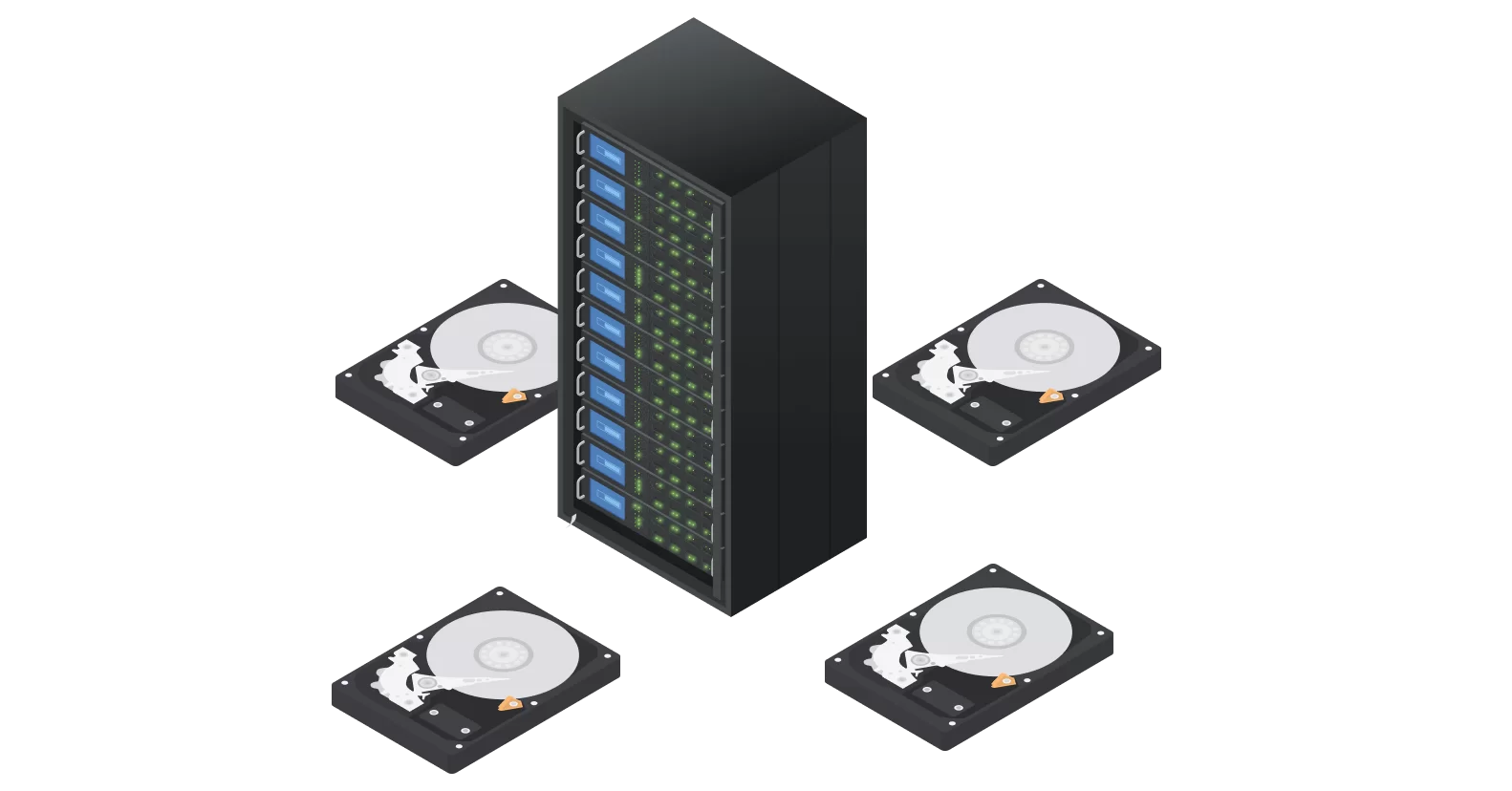
When a drive gets to a professional center the engineers do not work on the drive that is not working. They use machines to make a copy of the drive. This way they can try to get the files that you deleted without making the drive worse.
They Have Special Clean Rooms
If a hard drive is broken because it got dropped or got wet the engineers have to open it. They can only do this in a clean room. If there is dust in the air it can make the drive stop working. So they use the room to fix the drive without making it worse.
They Can Fix Flash Drives And Partitions
New flash drives need algorithms to work. If the controller is broken the engineers have to bypass it. They can take out the memory chips. Read the data. Then they can put the data back together using software.
Bring Your Files Back With Dr IT Fixing
If you lost your files in the UAE it can be very hard to get them back. Dr IT Fixing can help you. They have the tools and engineers to get back your files.
They Promise That If They Cannot Get Back Your Files You Do Not Pay
If your files are completely gone because the drive is broken you do not have to pay. They use the equipment and keep your files safe. They can get back files, from laptops, external drives and internal drives.
You can trust Dr IT Fixing to get your files. They are fast. Can pick up and deliver your drive. They can help with Apple and Windows computers.
Frequently Asked Questions
1. Can i Recover deleted files after a drive has been completely formatted?
Yes in many cases files can still be saved. When you do a format the computer just gets rid of the list of files but the actual files are still there in the background. If you stop using the drive away experts can look at the raw data and put the file list back together.. If you did a full format or saved new files to the drive the old files might be gone for good.
2. Why is it harder to Recover deleted files from an SSD than from a drive?
Hard drives Recover deleted files until new files are saved over them.. Solid-State Drives are different. They have a feature called TRIM that instantly clears the space where Recover deleted files were,. It is ready for new files. This means you have to act. Also SSDs have controllers that scramble or encrypt the data so if the controller breaks you need special equipment to read the data.
3. What should I do away if I realize my files are missing?
The important thing is to stop using the device. If it is your computer turn it off safely. If you keep using it the computer will keep writing to the drive, which can erase the files you want to recover. Do not put recovery software on the drive.
4. Where can I find Expert Data Recovery UAE?
If your hard drive is. Your SSD is not working or if you deleted important files for your business you can get help from Expert Data Recovery Dubai . At Dr IT Fixing we can check your drive. Use special equipment to safely get your important files back. We work in Dubai and the surrounding areas.